


The Shoebox Was Never The Plan
Most people don’t decide to keep receipts in a shoebox — it just happens. You drop a few in, swear you’ll sort them later, and a year goes by. Then your accountant asks for them and you spend a Saturday sorting paper by month while wondering if the dry-cleaner one is even readable anymore.
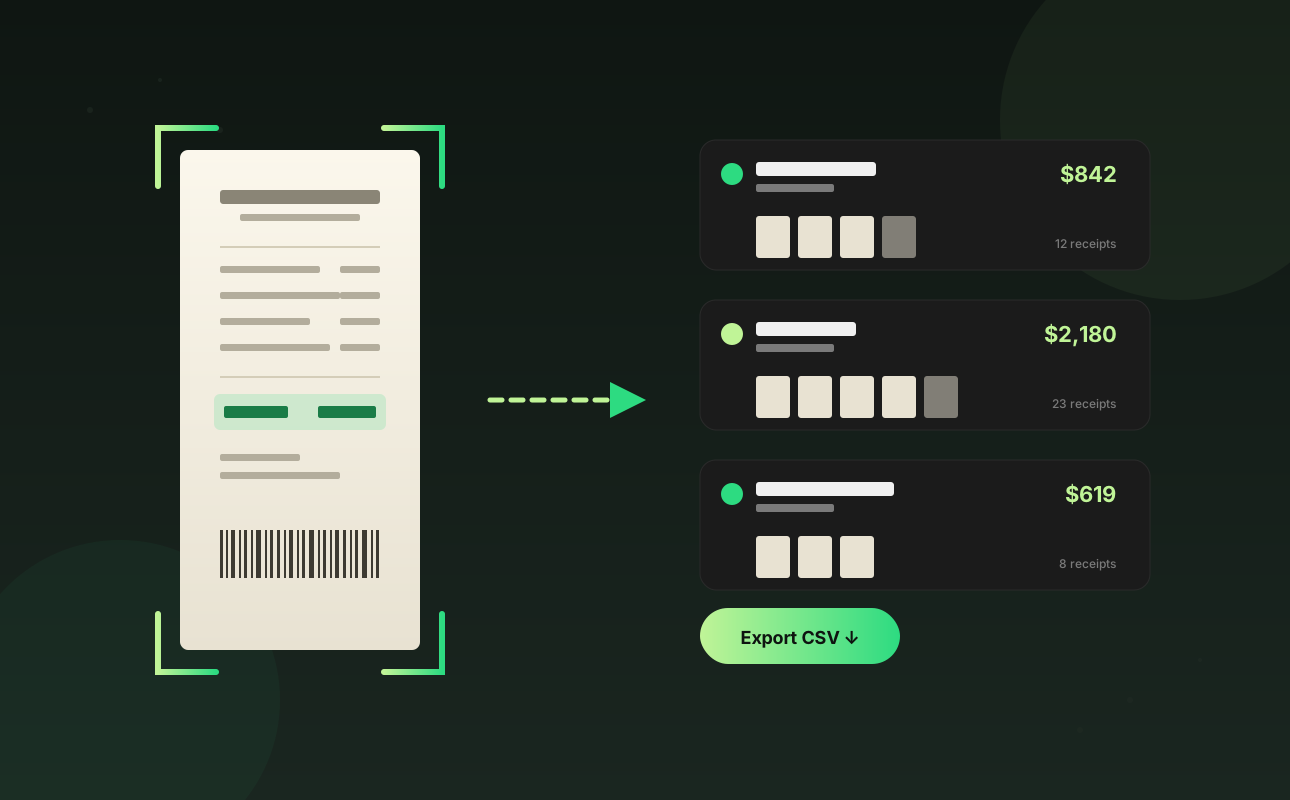
Receiptio fixes the sorting problem on day one. Snap a receipt the moment you get it and the vendor, date, and total go into one searchable list — tagged, categorized, and ready to export when April rolls around.
The 5-Step Workflow
- Capture immediately. The best time to log a receipt is the second you get it. Snap a photo before you leave the counter. If it’s emailed, drop the PDF into Receiptio and move on.
- Trust the extraction. Our AI was trained on a million real-world receipts. Vendor, date, and total are extracted automatically. Glance at the result; correct it if needed; move on.
- Categorize as you go. Pick a category (Meals, Travel, Software, etc.) when you capture. It takes two seconds and saves you hours at tax time.
- Export quarterly. Don’t wait for April. Export a CSV every three months and tuck it in a folder. You’ll have a year’s worth of clean records by the time you need them.
- Hand off cleanly. Your accountant doesn’t want a shoebox. They want a CSV with vendor, date, amount, and category. That’s what Receiptio exports.
What Counts As A Receipt
Anything you might claim as an expense. Paper receipts, emailed invoices, in-app purchase confirmations, even handwritten ones from a market stall. If your accountant might ask “do you have a receipt for that?” — capture it.
“The shoebox isn’t a system. Snap-and-forget is a system.”
Conclusion
The hardest part of staying tax-ready isn’t the receipts — it’s the habit of capturing them. Build the snap-and-forget reflex with Receiptio and tax season stops being a project.